Browse expert answers, detector comparisons, and buying advice for beginners and experienced detectorists.
How do I switch between audio and vibration modes on the XPointer?
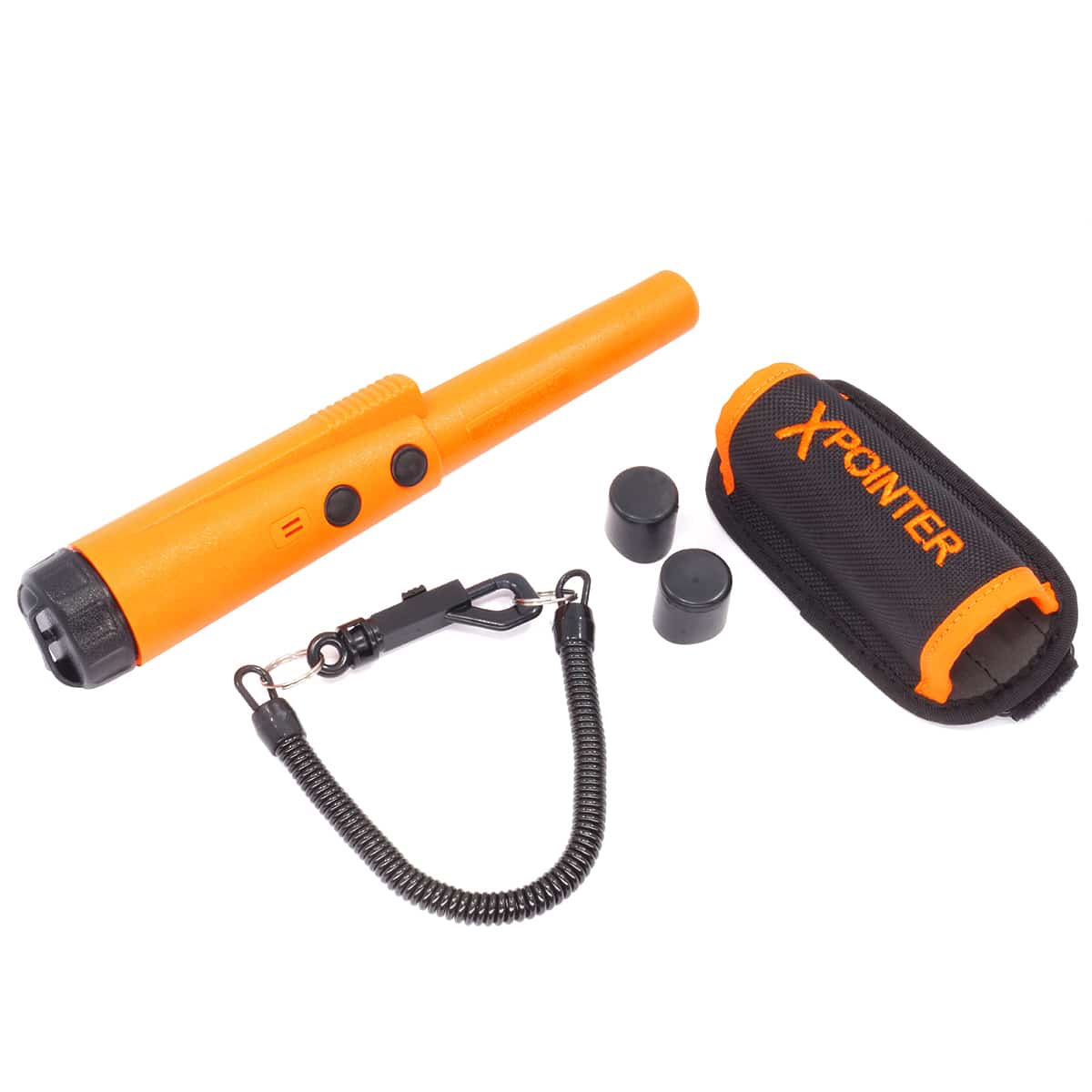
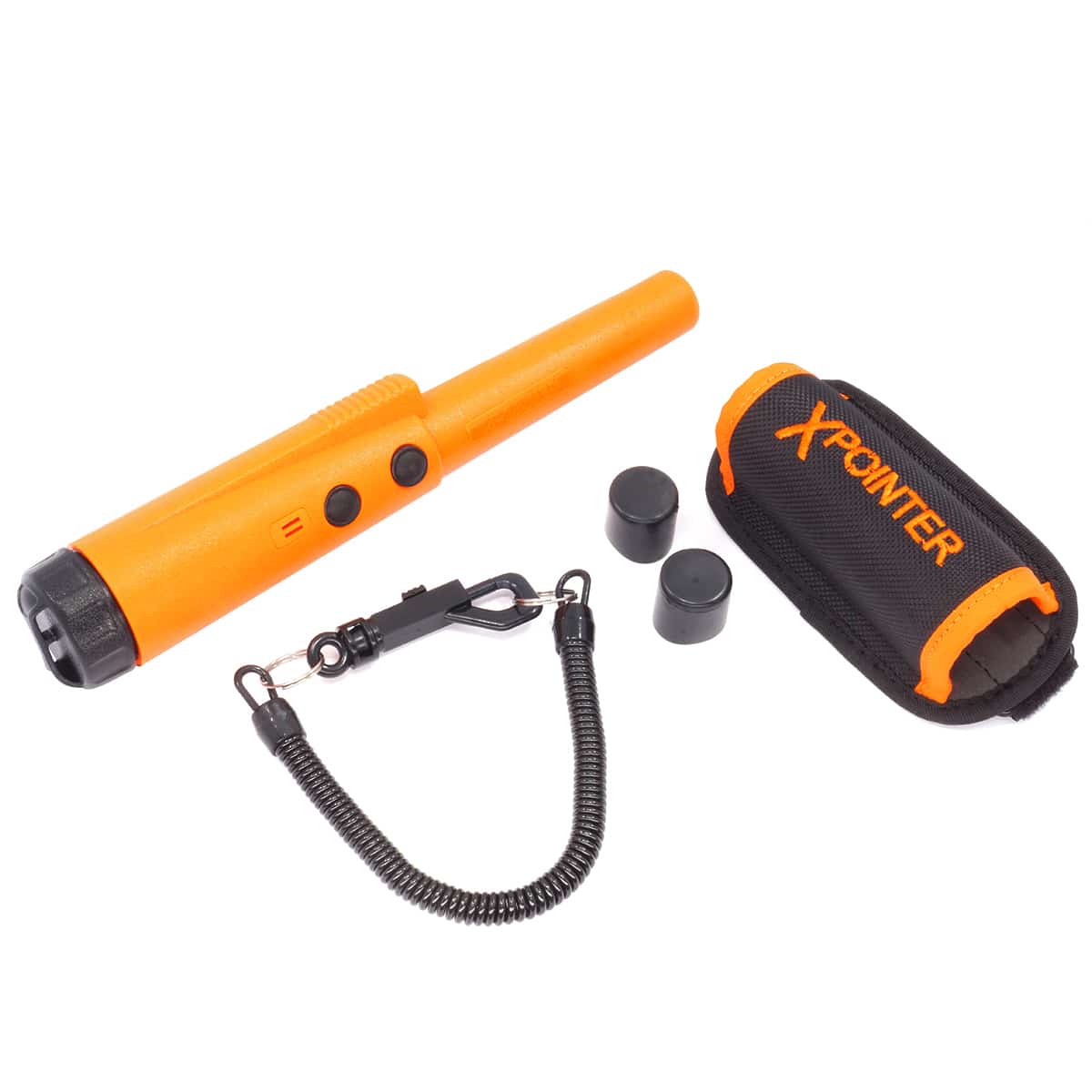
Quest XPointer Land Orange Water-Resistant Pinpointer
Status:
Open May 18, 2026 - 11:38 AM
1answer
Answer
May 18, 2026 - 11:38 AM
The Quest XPointer features a mode control button that lets you toggle between audio-only, vibration-only, and simultaneous audio plus vibration modes. Press the mode button to cycle through the three settings. Audio-only mode is useful in quiet environments where you want to hear the pinpointer's tone, vibration-only mode is ideal when you are wearing detector headphones and do not want competing audio signals, and simultaneous mode gives you both cues for maximum feedback. Most detectorists leave the XPointer in simultaneous mode, you can feel the vibration through gloves and still hear the tone if you remove your headphones.
View More Product Details
Quest XPointer Land Orange Water-Resistant Pinpointer
The Quest XPointer is a water-resistant pulse induction pinpointer built for detectorists who need reliable target recovery without false signals during scraping. Designed for daily field use in parks, relics sites, and beaches, the XPointer features Gorilla tough coil wiring that eliminates false a...
See More
View all Quest XPointer Land Orange Water-Resistant Pinpointer Questions & Answers
 seriousdetecting.com