 seriousdetecting.com
Answer
May 19, 2026 - 11:11 AM
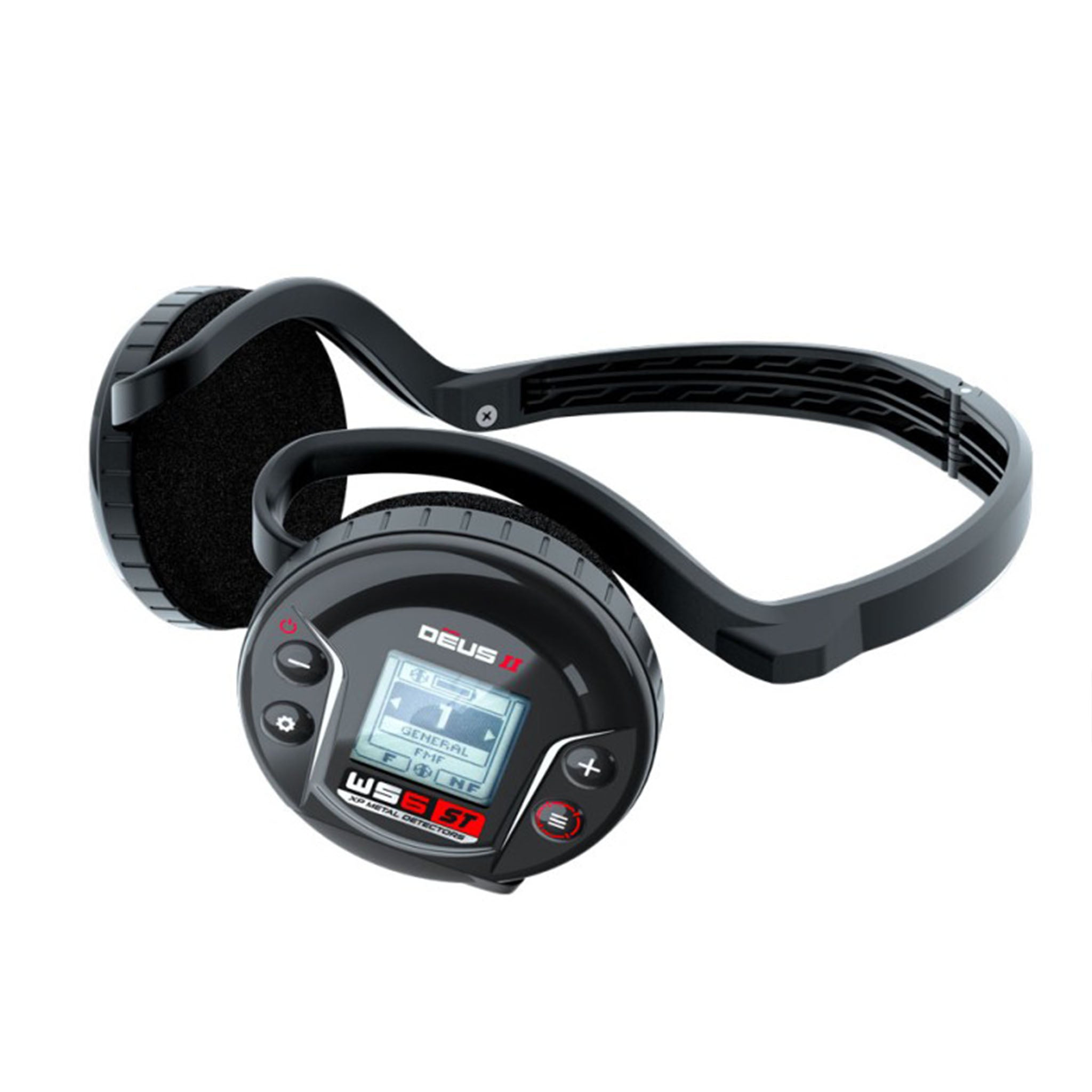
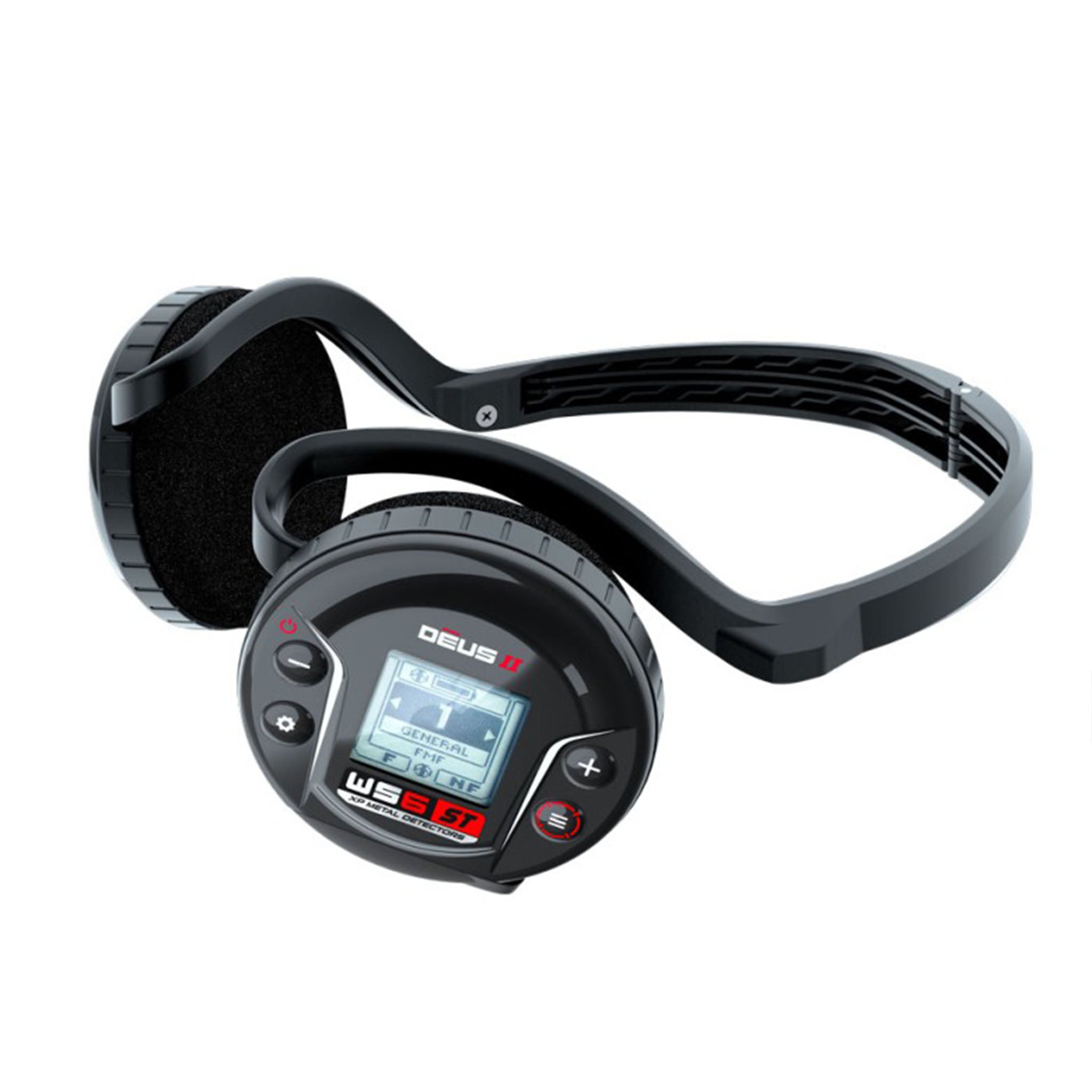
The WS6 ST control module detaches from the headphone ear cups and clips into the XP stem mount bracket, which installs on the lower or upper stem depending on your preference. To detach the module, press the release tabs on both sides of the headphone frame and slide the module out of the clips. The module secures into the stem bracket for stable mounting, positioning the 64x64-pixel screen at eye level for quick target ID checks. You'll need to pair a secondary wireless headphone like the WSA-ST for audio when the WS6 ST is stem-mounted, as the ear cups stay home. Check with your dealer about stem mount bracket availability. The stem mount fits all XP S-telescopic and standard carbon stems. We've used this configuration in urban parks where we're digging 50-plus targets per hour and need faster access to discrimination settings than a belt-mounted remote provides.