Browse expert answers, detector comparisons, and buying advice for beginners and experienced detectorists.
How do I install the RC40 on my Racer detector?
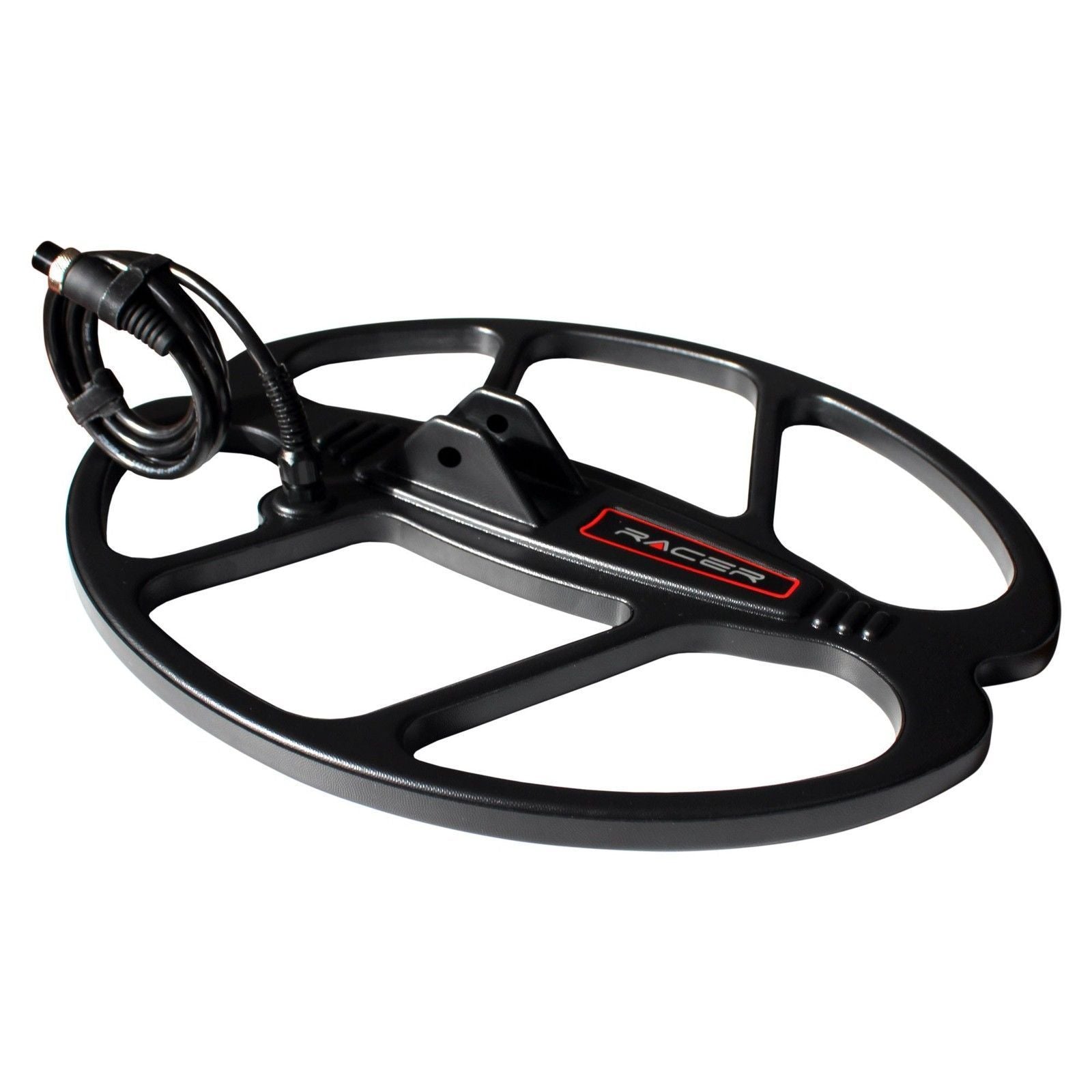
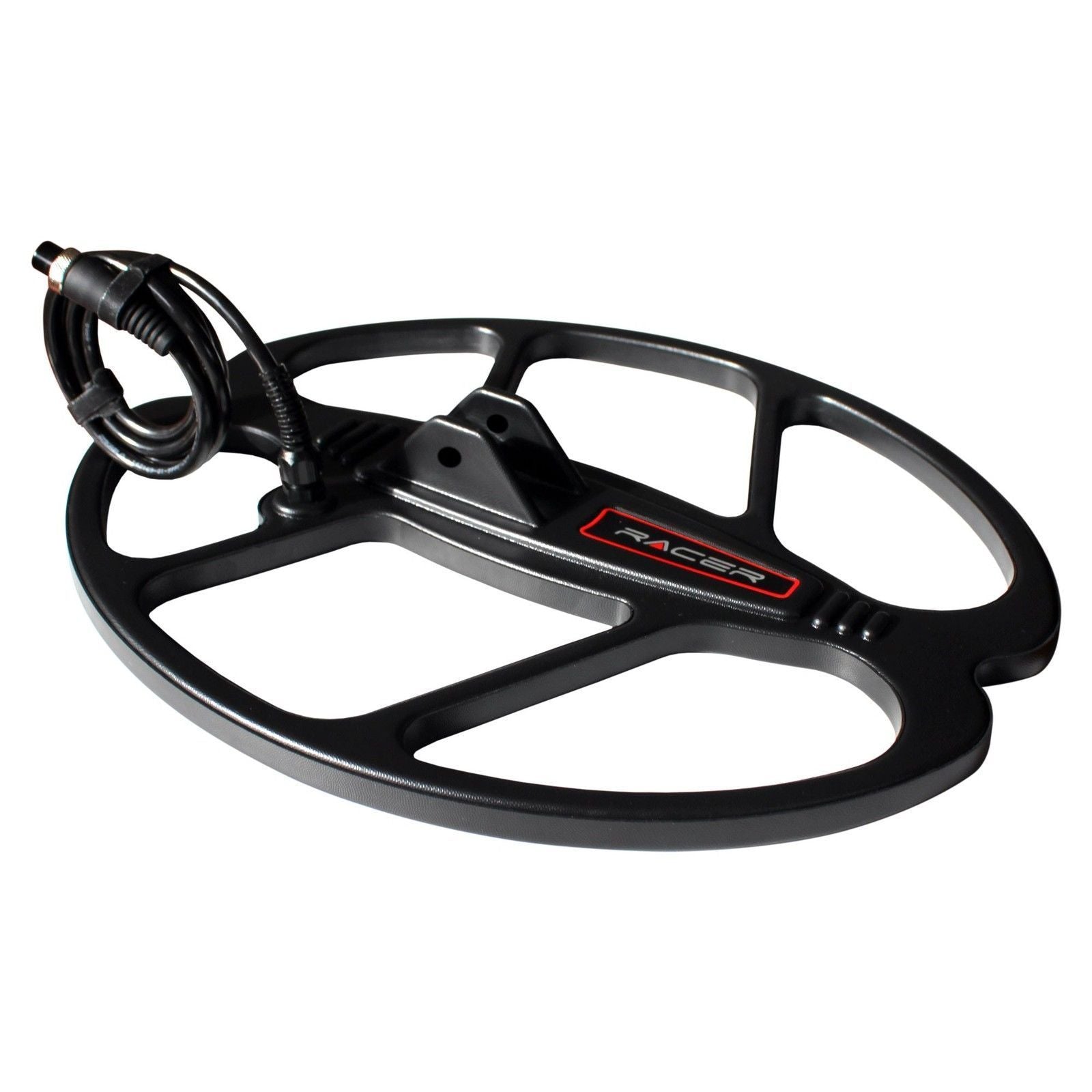
Nokta RC40 15.5x13 DD Coil for Racer Metal Detector
Status:
Open May 20, 2026 - 12:06 PM
1answer
Answer
May 20, 2026 - 12:06 PM
Installing the RC40 is straightforward with the included mounting hardware. First, remove your existing coil by loosening the coil mounting bolt and disconnecting the coil cable from the control box. Slide the RC40's mounting bracket onto the lower shaft, align the coil at your preferred angle, and hand-tighten the mounting bolt. Connect the coil cable to the control box connector, making sure it clicks securely into place, then route the cable along the shaft and secure it with the provided cable ties. Power on your detector and run a quick ground balance to ensure the RC40 is working correctly.
View More Product Details
Nokta RC40 15.5x13 DD Coil for Racer Metal Detector
The Nokta RC40 is the largest search coil available for the Makro Racer and Racer 2, offering a 15.5-inch by 13-inch elliptical coverage area that dramatically reduces search time in open areas. Racer owners hunting fields, beaches, or parks reach for this coil when they need to cover more ground wh...
See More
View all Nokta RC40 15.5x13 DD Coil for Racer Metal Detector Questions & Answers
 seriousdetecting.com