Browse expert answers, detector comparisons, and buying advice for beginners and experienced detectorists.
How do I update the firmware on the XP ORX?
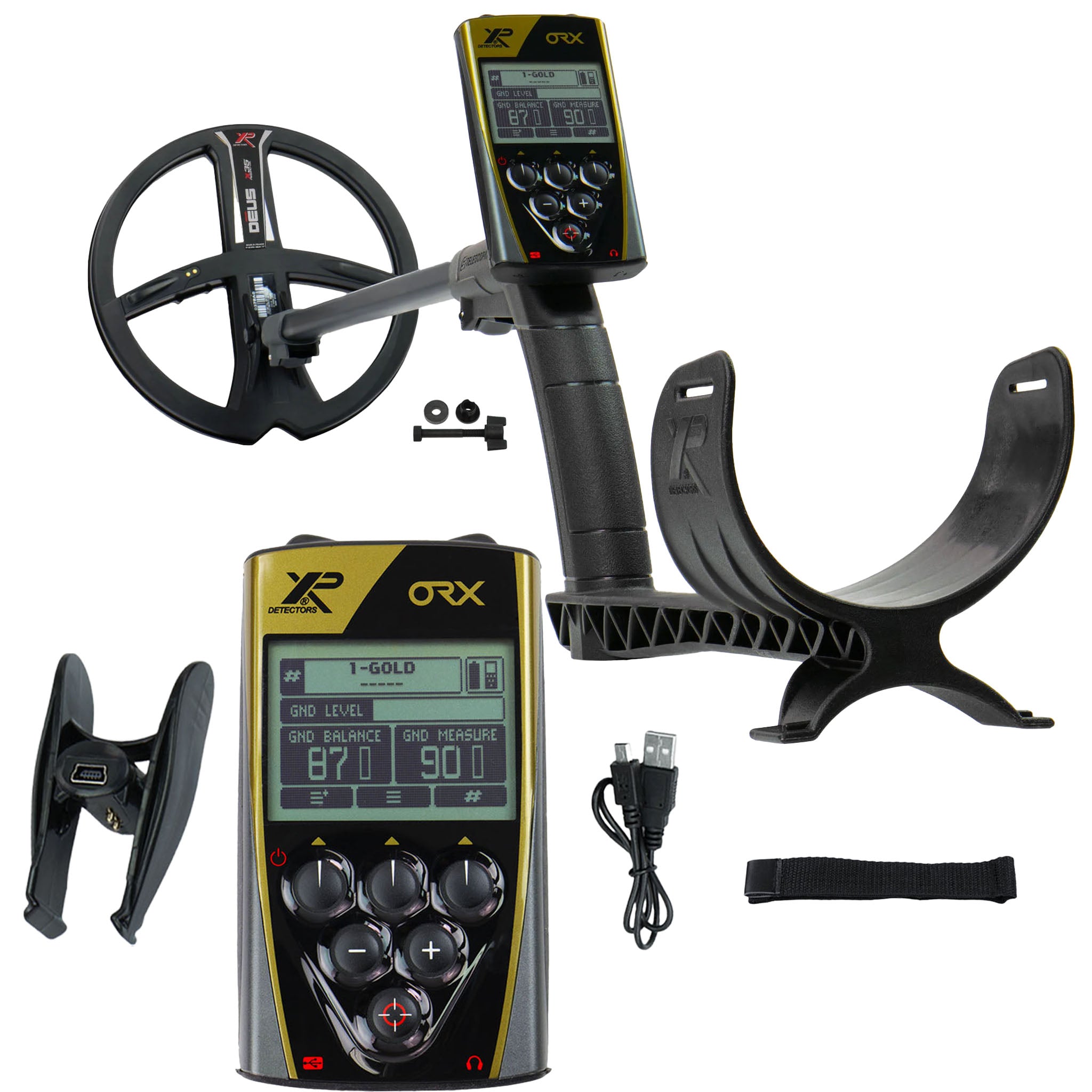
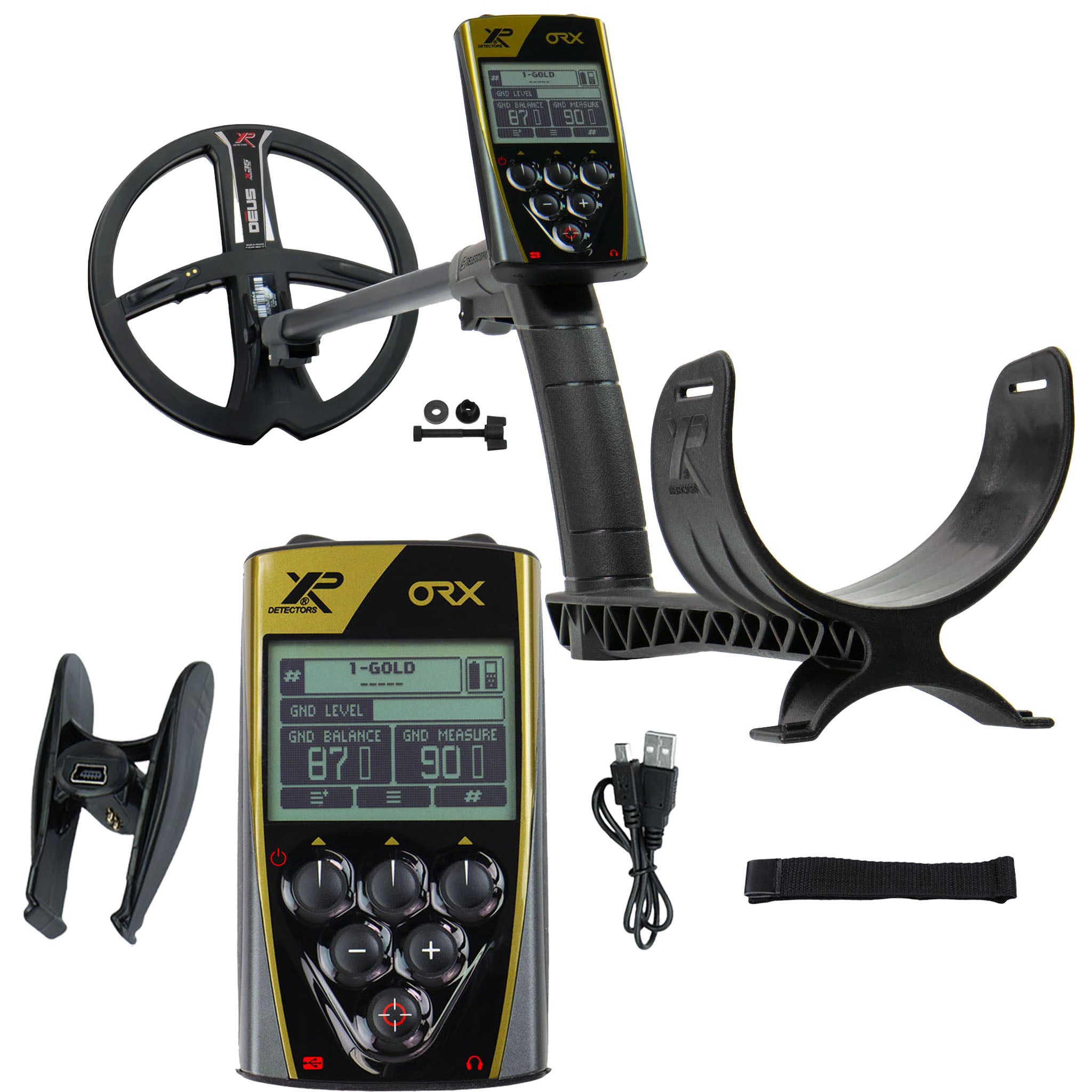
XP ORX Wireless Metal Detector with 9" X35 Search Coil
Status:
Open May 20, 2026 - 03:44 PM
1answer
Answer
May 20, 2026 - 03:44 PM
You update the XP ORX firmware by connecting the remote control to a computer via the included USB cable and downloading the latest software from XP's website. XP releases firmware updates regularly to enhance performance, add features, and fix bugs. The update process is straightforward; follow XP's instructions. You'll need to power off the detector, plug the USB cable into the remote's charging port, and run XP's update utility to flash the new firmware. After the update completes, disconnect the cable and power on the remote to verify the new version number in the system menu. Coil and remote firmware can be updated; refer to XP's update instructions.
View More Product Details
XP ORX Wireless Metal Detector with 9" X35 Search Coil
The XP ORX with 9-inch X35 coil is a wireless metal detector built for coin hunting in mineralized soil and gold prospecting in variable ground. This detector runs 35 selectable frequencies from 3.7 kHz to 27.7 kHz, letting you tune detection depth and small-target sensitivity to match your terrain....
See More
View all XP ORX Wireless Metal Detector with 9" X35 Search Coil Questions & Answers
 seriousdetecting.com