Browse expert answers, detector comparisons, and buying advice for beginners and experienced detectorists.
Can I adjust the volume and audio settings from the headphones themselves?
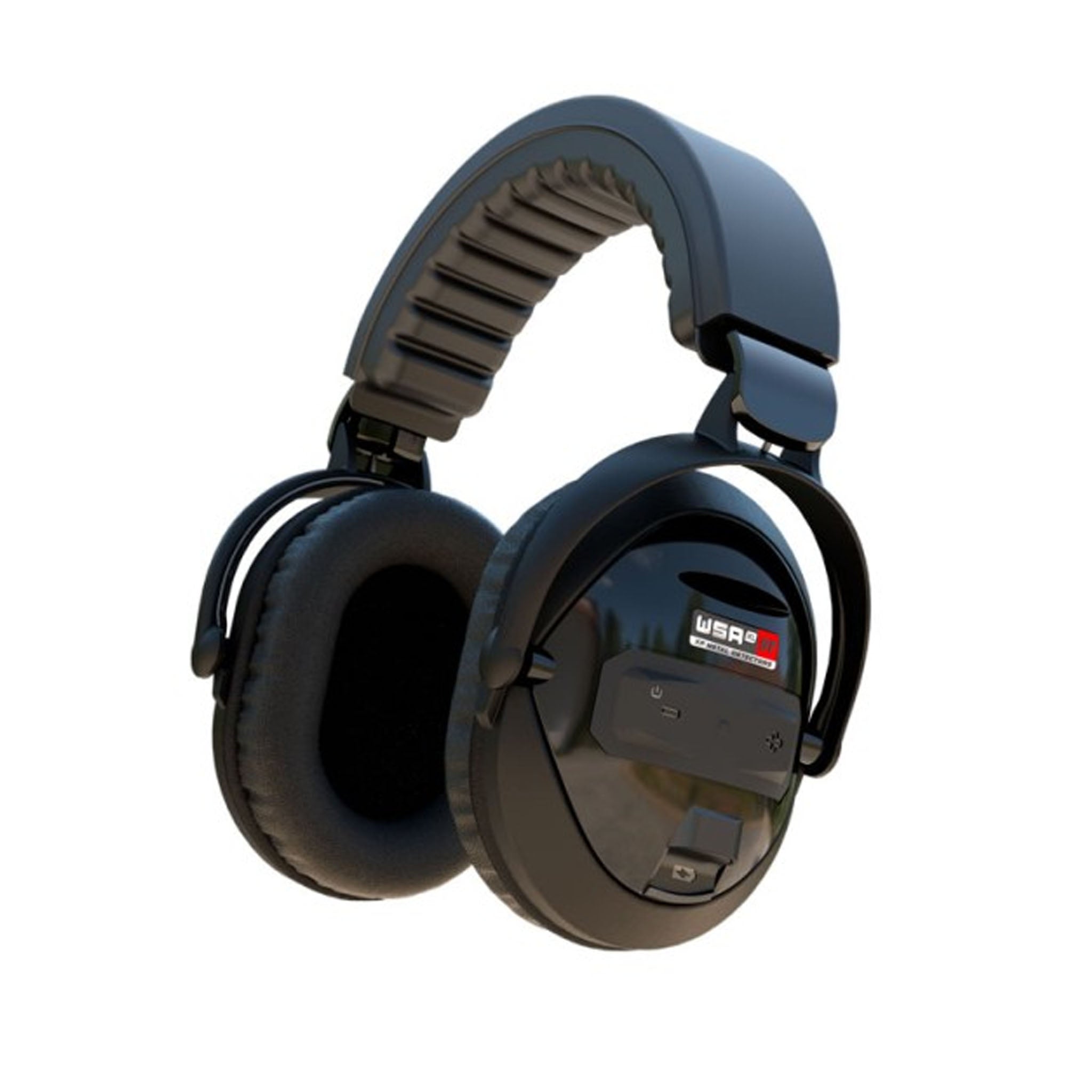
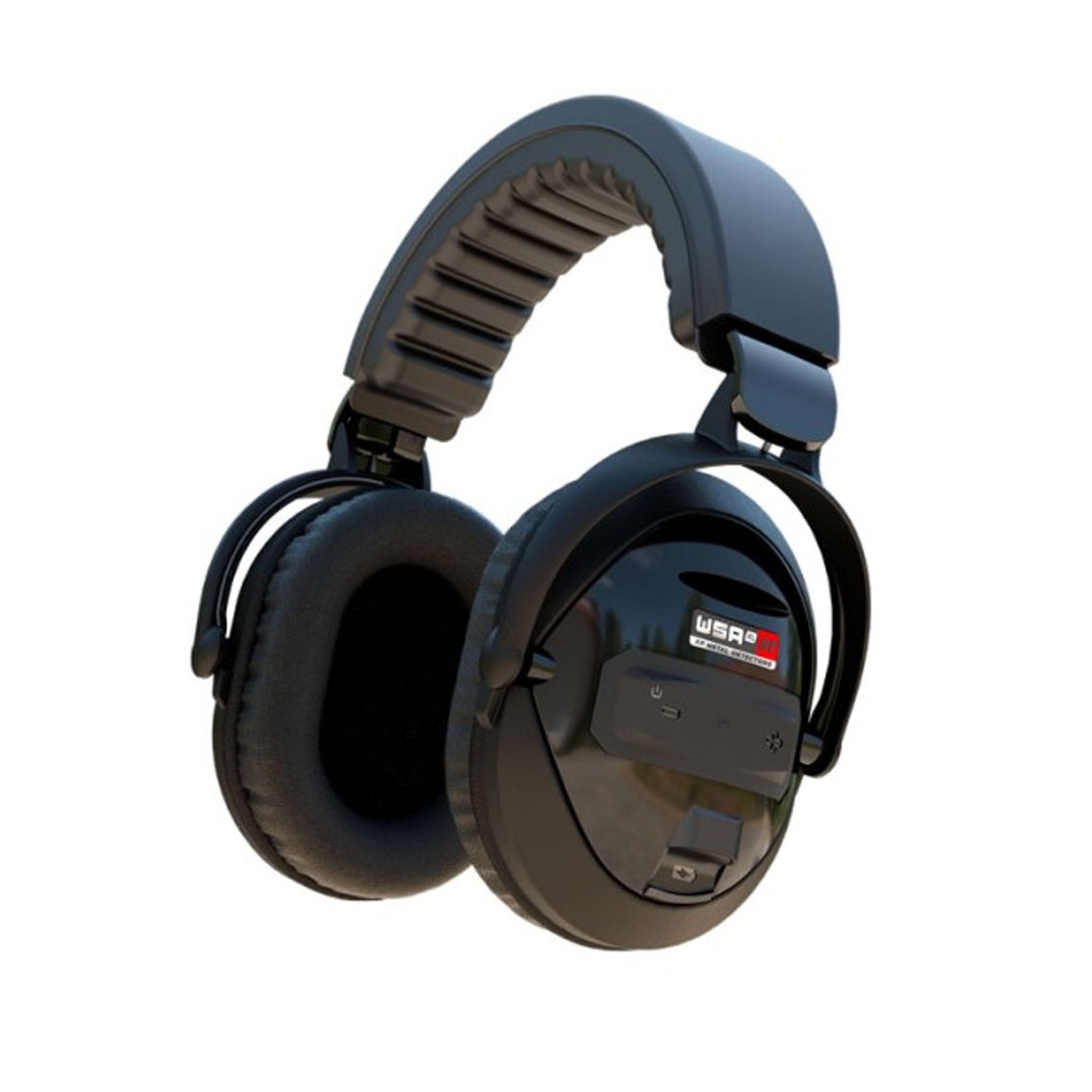
XP WSA-XL ST Over-Ear Wireless Headphones for DEUS II
Status:
Open May 22, 2026 - 12:27 PM
1answer
Answer
May 22, 2026 - 12:27 PM
Yes. The WSA-XL ST features direct plus and minus buttons on the earcup for quick volume adjustments across 10 distinct levels. While you can also adjust volume directly from your DEUS II remote control or WS6 Master, the onboard earcup buttons are perfect for making fast tweaks on the fly. Advanced settings—such as the 4-band equalizer and switching audio modes between PWM and SQUARE—must be adjusted through your main controller interface rather than the headset itself. The headphones normally power on and off automatically when pairing with an active controller.
View More Product Details
XP WSA-XL ST Over-Ear Wireless Headphones for DEUS II
The XP WSA-XL ST is an over-ear wireless headset built for detectorists who run the DEUS II in harsh weather and noisy environments. Rainproof construction, full-ear cups for sound isolation, and XP's ultra-fast wireless protocol deliver accurate tones and faster target reaction when faint signa...
See More
View all XP WSA-XL ST Over-Ear Wireless Headphones for DEUS II Questions & Answers
 seriousdetecting.com