 seriousdetecting.com
Answer
May 27, 2026 - 11:31 AM
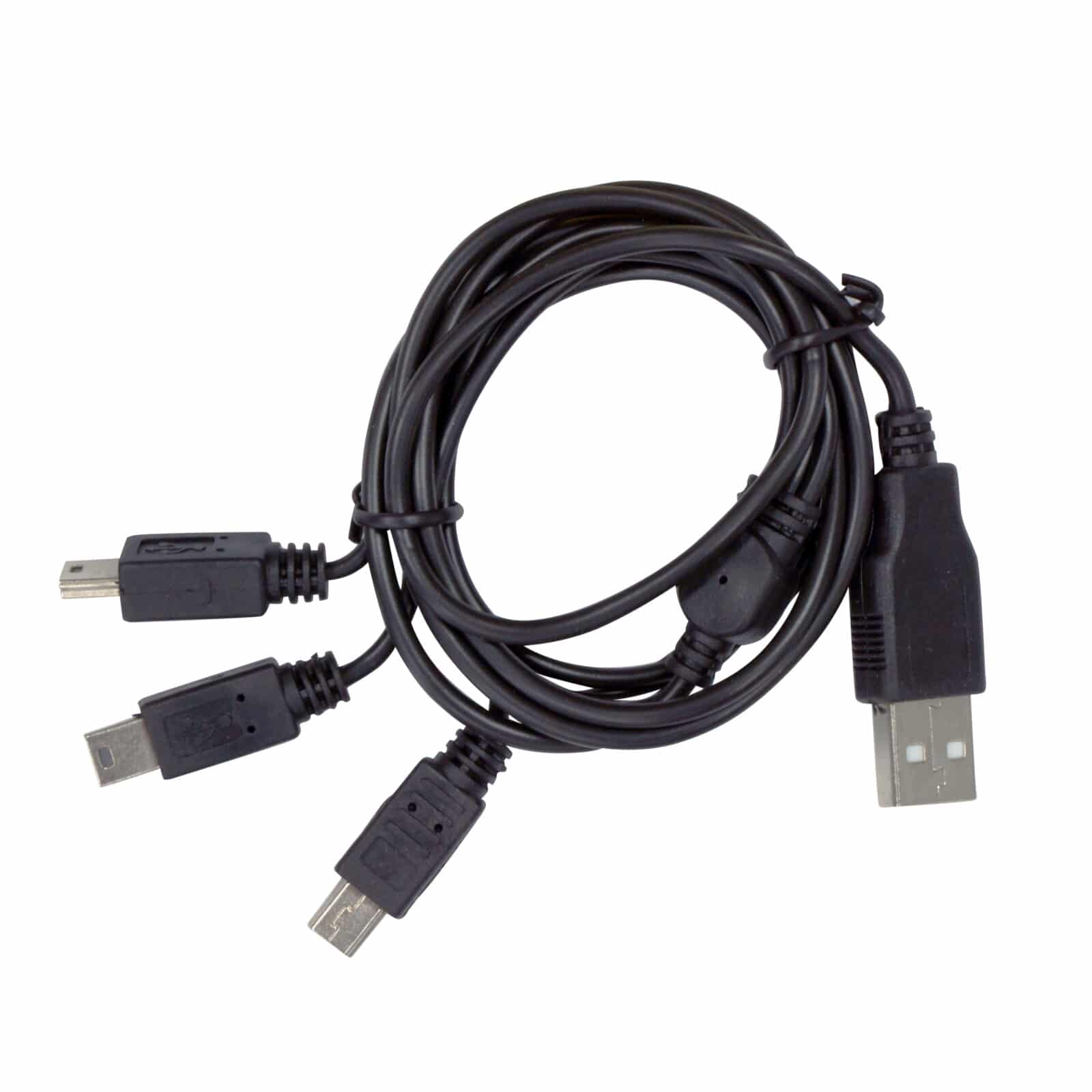
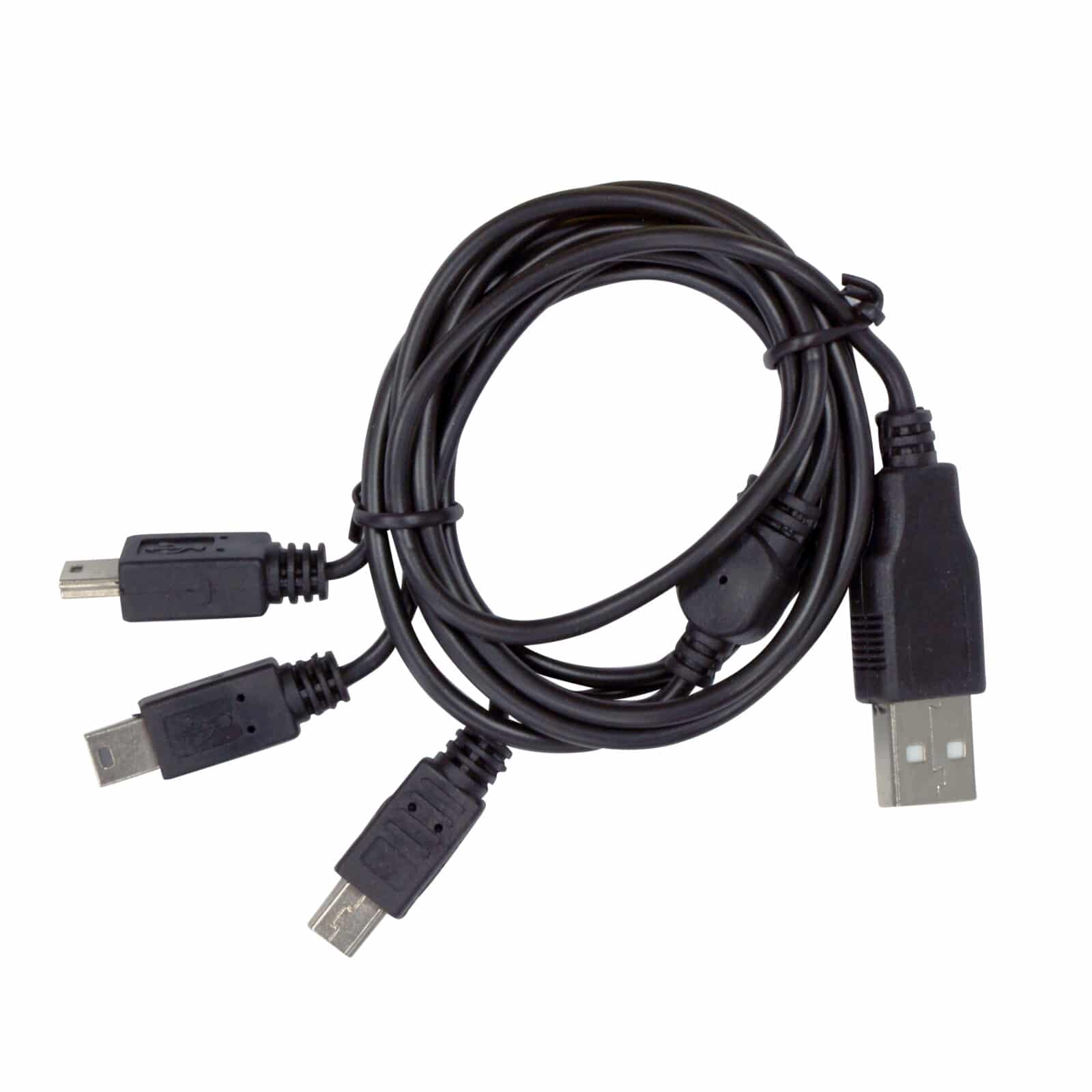
First, verify that the Mini B connector is fully seated in the component's port, as partial connections prevent power transfer. Ensure the USB-A plug is inserted securely into a verified power source. Inspect the charging port for dirt, sand, or corrosion that might block contacts, and clean gently with compressed air if needed. If all connections are tight and the power source works normally with other devices, the issue likely stems from the component's internal battery condition rather than the cable. Contact XP's technical support or an authorized XP Metal Detectors dealer for deep troubleshooting.