 seriousdetecting.com
Answer
May 27, 2026 - 01:14 PM
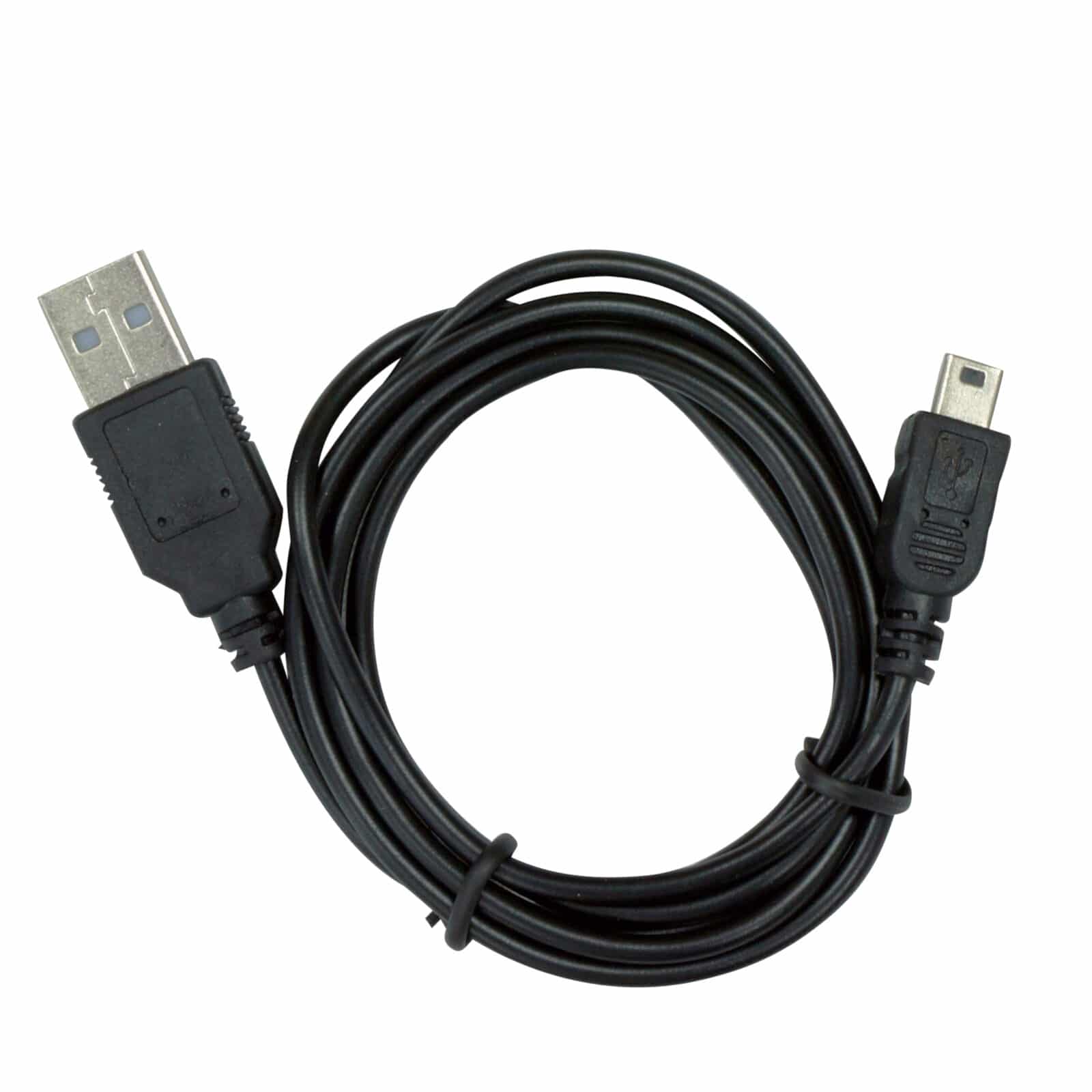
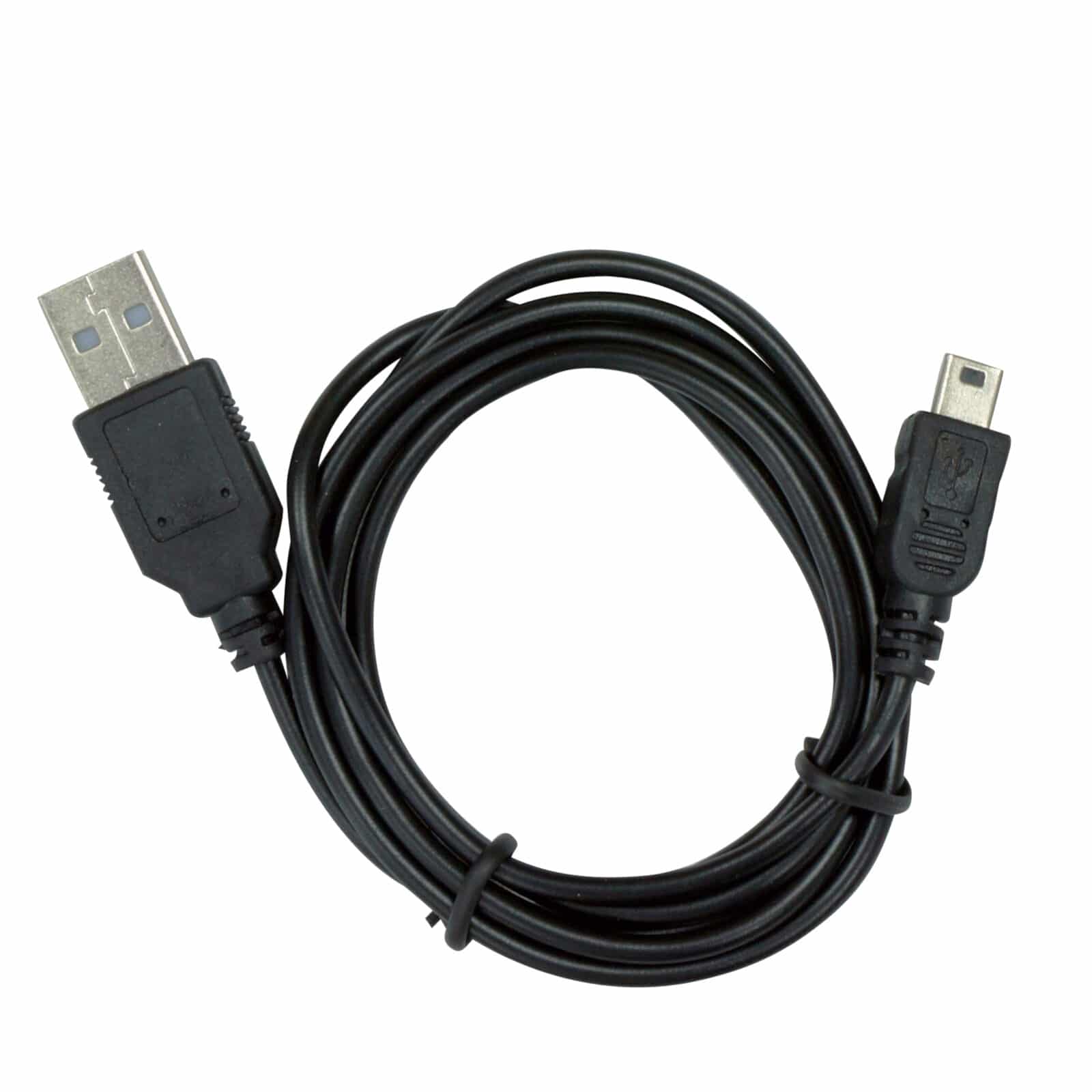
Connect the USB 1 Cable's mini-B end to your Deus or ORX remote control's charge port, then plug the USB-A end into your computer. Download XP's update software from the XP website, launch the program, and follow the on-screen prompts to install the latest firmware version to your remote. XP releases periodic firmware updates that improve detector performance, so checking for updates every few months keeps your detector running the latest system version. For step-by-step guidance, visit our metal detector technologies page.