 seriousdetecting.com
Answer
May 27, 2026 - 04:58 PM
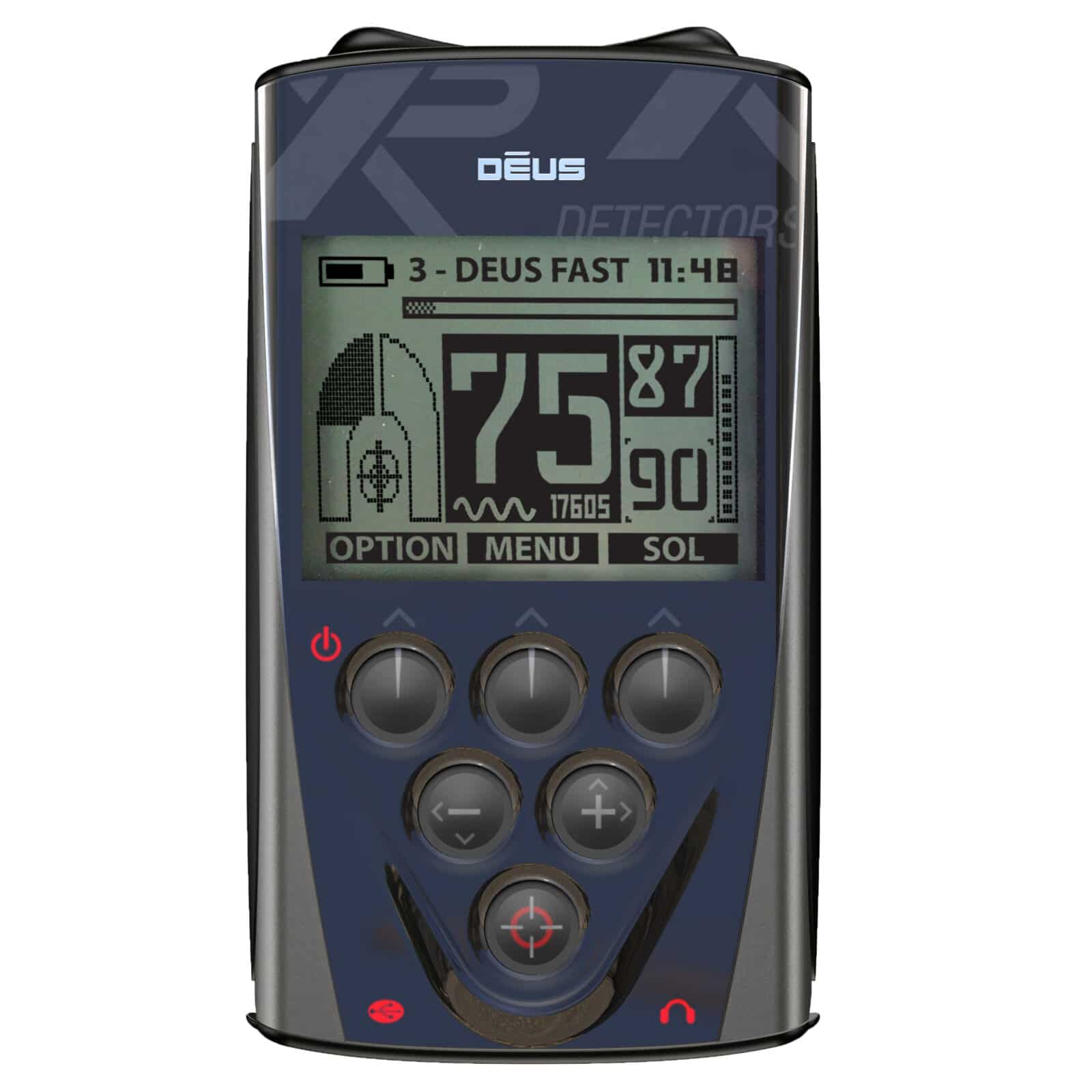
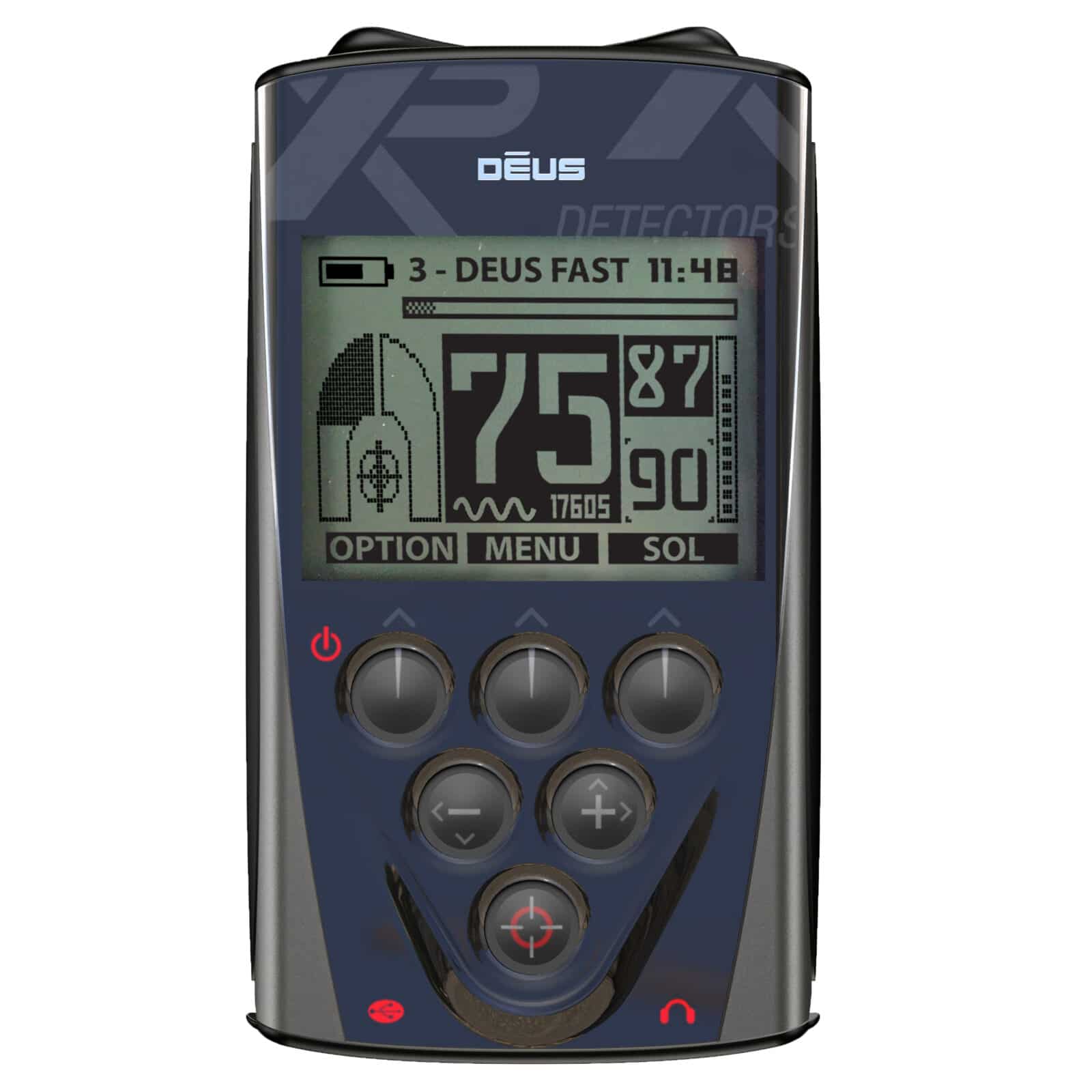
The XP Deus remote control stores up to 10 coil serial numbers in its coil configuration menu. To pair a new coil, power on the remote, navigate to the coil configuration menu using the menu button, select an empty coil slot, and enter the coil's unique serial number printed on the coil housing or included documentation. Once saved, the remote will recognize that coil automatically when you power on the system. This allows you to switch between multiple coils without re-entering serial numbers each session. The user manual included with the remote provides step-by-step pairing instructions for each coil size.