 seriousdetecting.com
Answer
May 27, 2026 - 04:59 PM
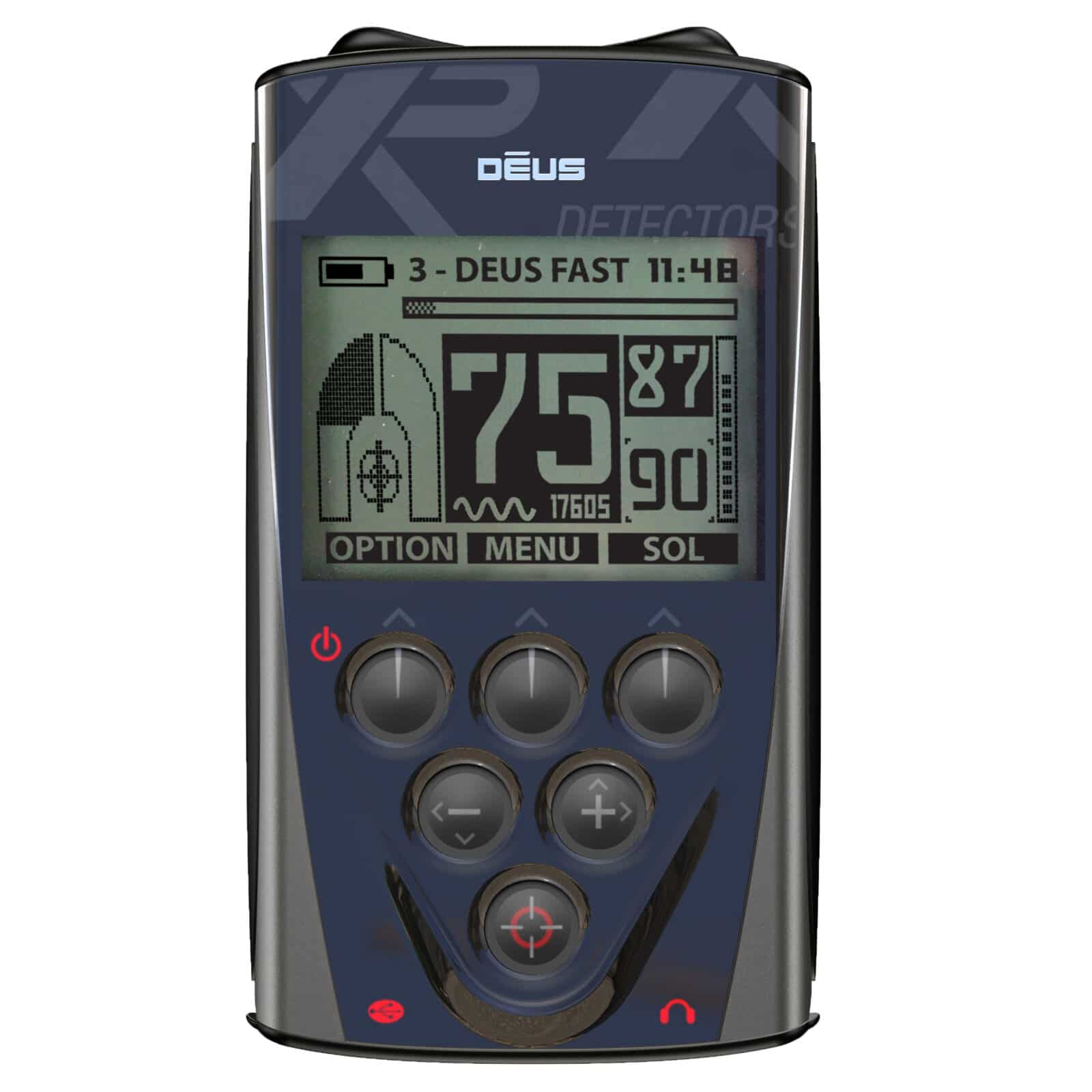
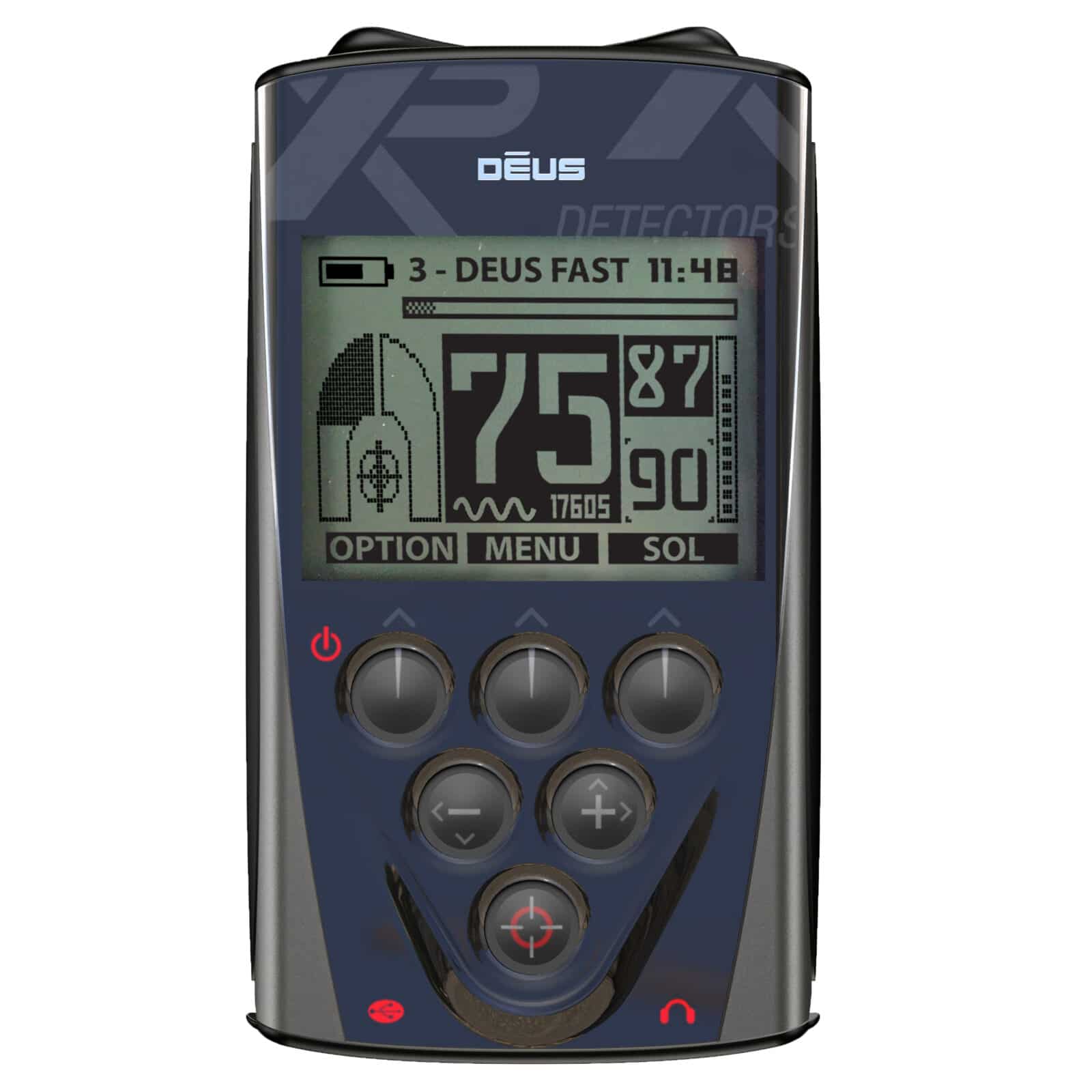
Access the remote's pinpointer settings using the menu button, select 'Pair Pinpointer,' and hold the power button on the MI-6 to initiate wireless pairing. Once connected, target tones route directly through your wireless headset or the remote's onboard speaker. The remote can also locate a lost pinpointer by triggering an audible alarm on the buried tool. This seamless wireless ecosystem is exclusive to the Deus remote control setup. To view compatible wireless pointers, replacement charging clips, or matching accessories for your layout, explore our full selection of genuine metal detector parts and accessories.