 seriousdetecting.com
Answer
May 28, 2026 - 09:50 AM
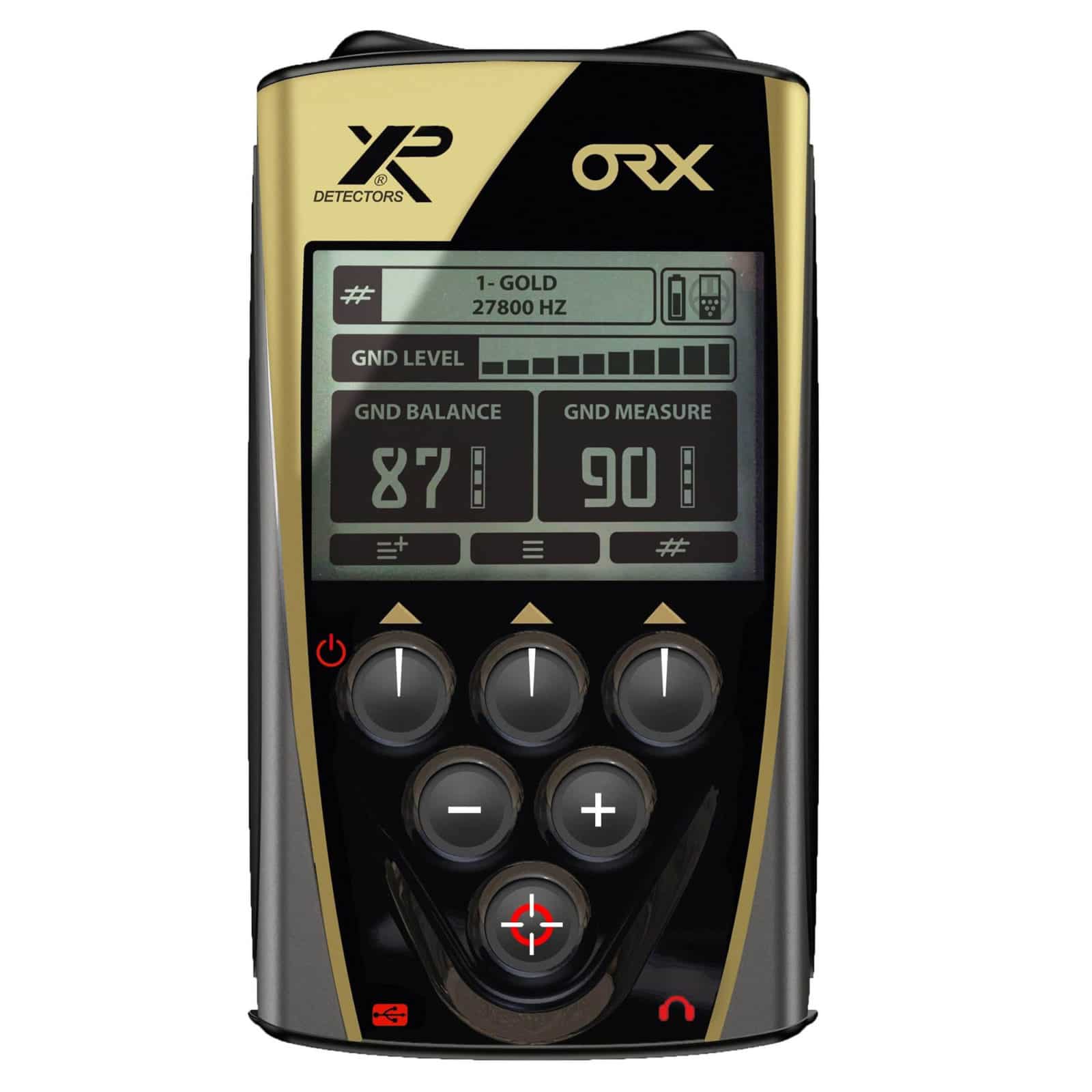
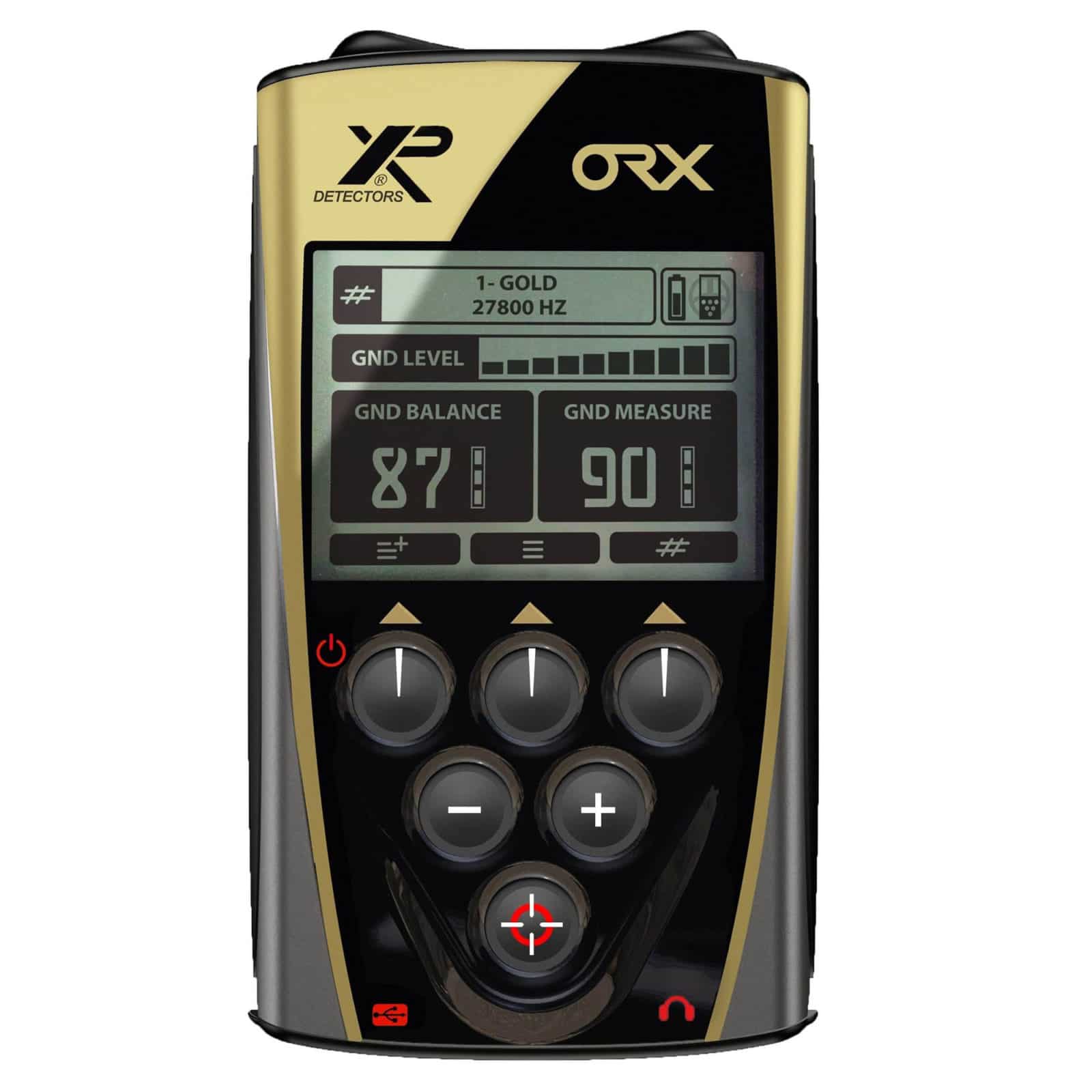
The XP ORX remote control supports software updates via its USB connection, allowing you to install firmware improvements XP releases over the detector's lifespan. You'll need a USB cable and a Windows or Mac computer along with the XP update software available on XP's website. XP regularly updates the system of their detectors to continuously improve performance, ensuring your ORX remote benefits from ongoing engineering refinements. The USB connection serves dual purposes: charging the remote control's battery (which provides approximately 19 hours of runtime) and facilitating firmware updates to keep your detector current with the latest software releases from the manufacturer.