Browse expert answers, detector comparisons, and buying advice for beginners and experienced detectorists.
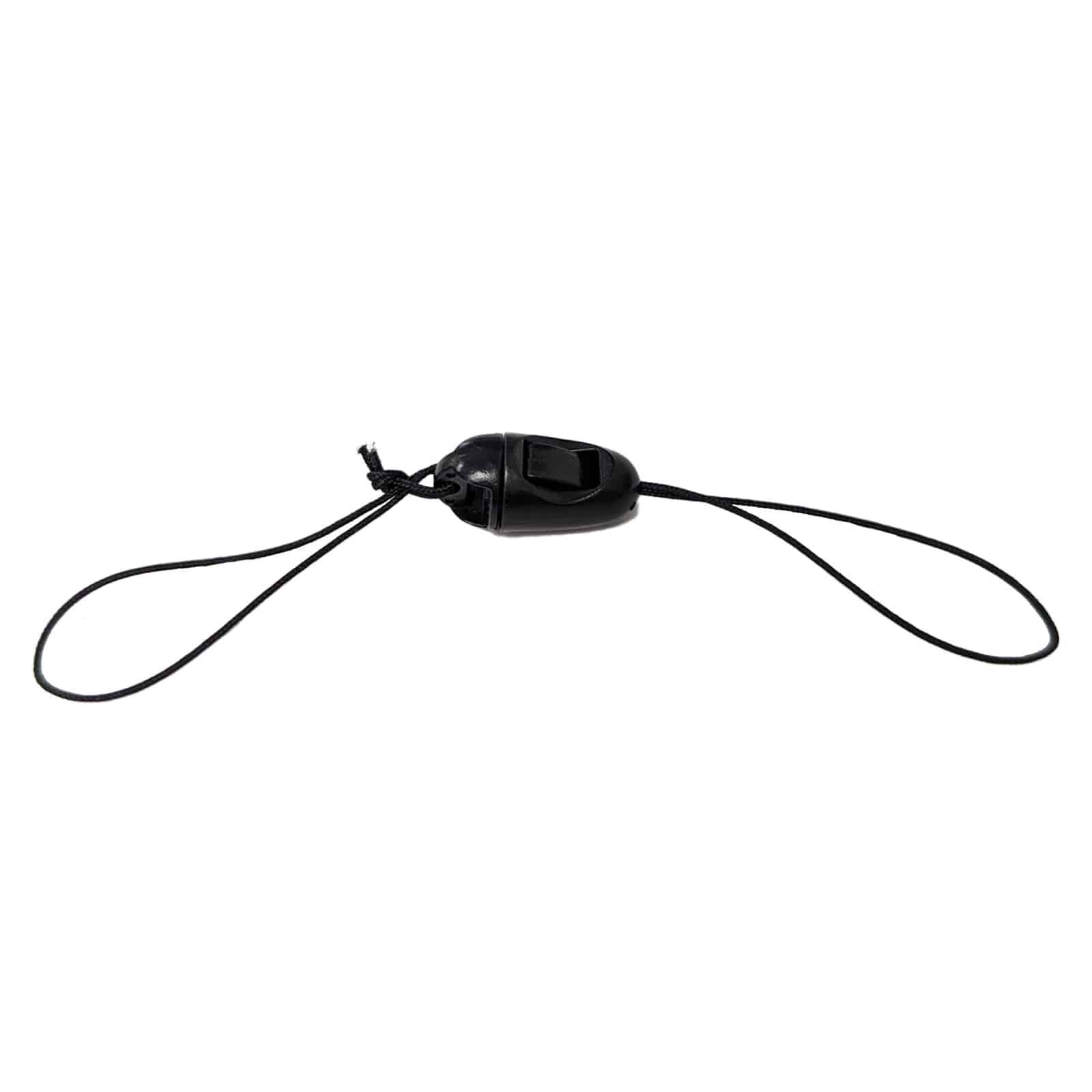
How do I attach the lanyard to the Deus II remote control?
XP Metal Detectors Lanyard for Deus II Remote Control
Status:
Open May 28, 2026 - 11:39 AM
1answer
Answer
May 28, 2026 - 11:39 AM
The lanyard attaches to the Deus II remote control via the plastic clip connector at the center of the strap. Slide the clip onto the remote's attachment point, then pass one of the lanyard's looped ends around your wrist or the detector's lower shaft. The 5-inch length keeps the remote secure without restricting arm movement during swings. The looped-end design provides a comfortable fit for all-day hunts while keeping the remote control within easy reach during digging and pinpointing operations.
View More Product Details
XP Metal Detectors Lanyard for Deus II Remote Control
The XP Metal Detectors Lanyard for Deus II Remote Control is a 5-inch strap designed to secure the Deus II remote control during field hunts. Deus II operators working in trashy parks, plowed fields, or wet sand need hands-free control access without risking a dropped remote control unit mid-swing. ...
See More
View all XP Metal Detectors Lanyard for Deus II Remote Control Questions & Answers
 seriousdetecting.com