Browse expert answers, detector comparisons, and buying advice for beginners and experienced detectorists.
How do I install the WS6 screen protector without bubbles?
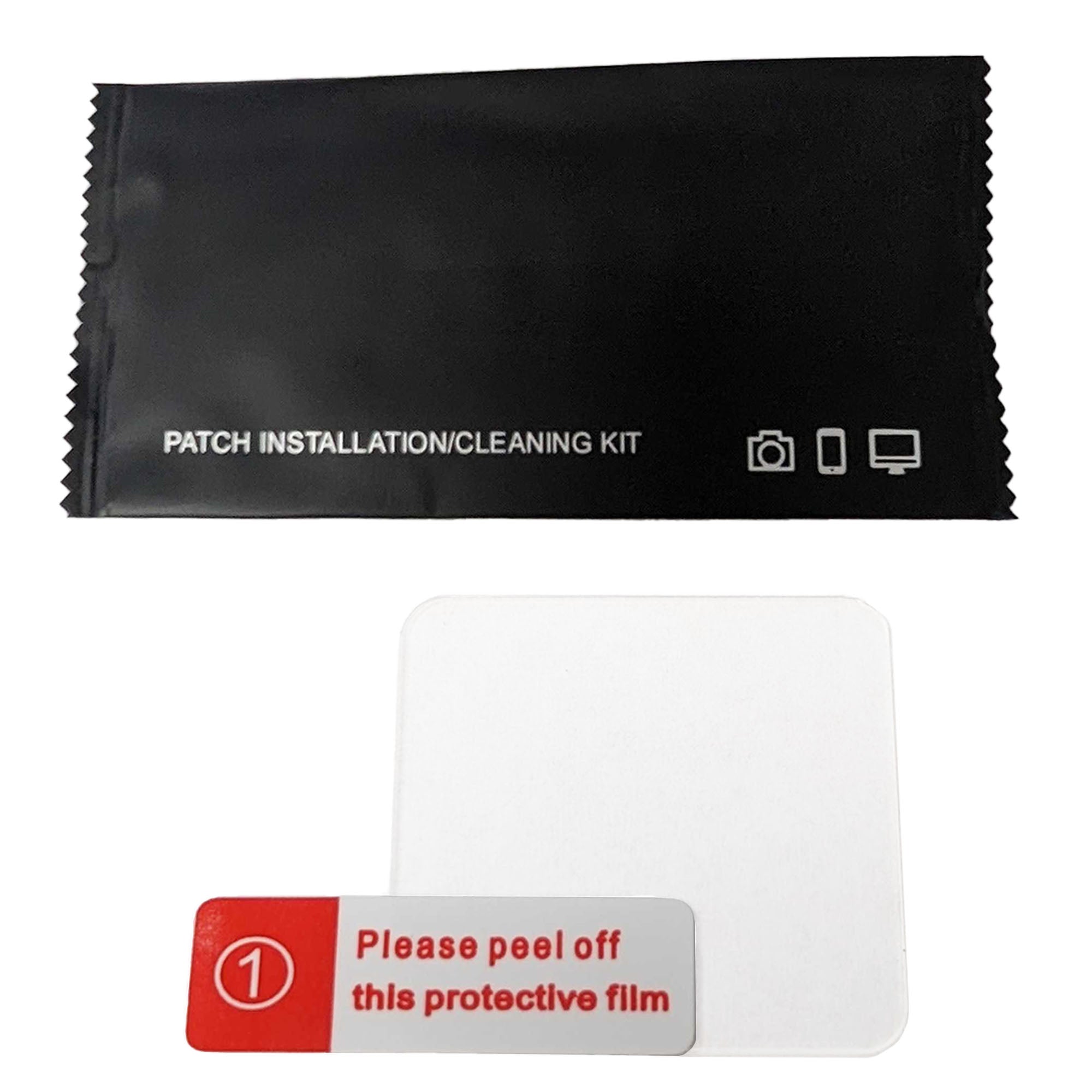
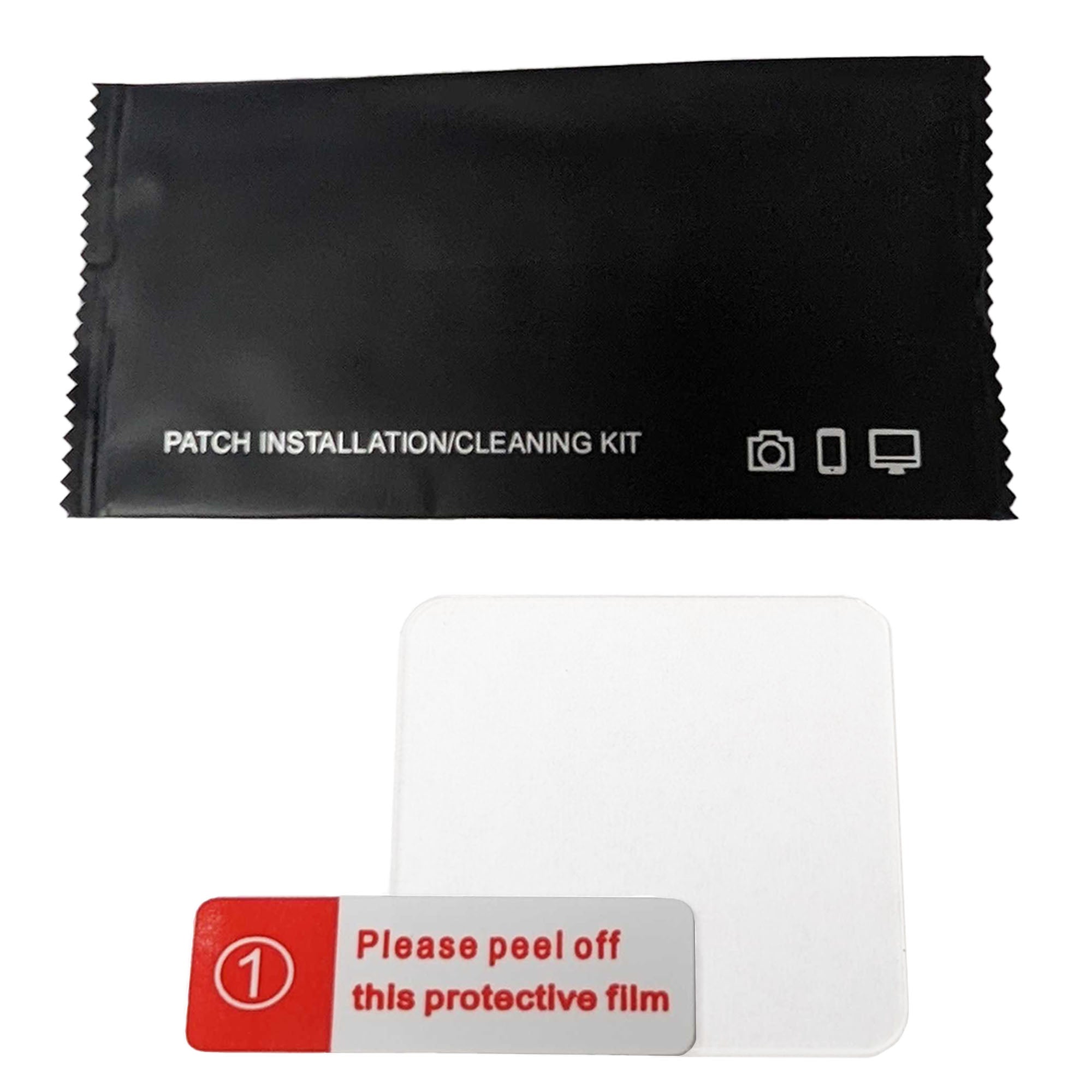
XP WS6 Tempered Glass Screen Protector + Cleaning Kit
Status:
Open May 28, 2026 - 02:48 PM
1answer
Answer
May 28, 2026 - 02:48 PM
The WS6 screen protector kit includes a patch installation and cleaning kit with step-by-step instructions for bubble-free application. Clean the WS6 screen with the included microfiber cloth to remove dust and oils, align the protector with the screen edges, and press from the center outward to eliminate air pockets. The tempered glass is rigid enough to prevent warping during application, ensuring a smooth installation. The package includes all necessary tools for effortless application without the risk of bubbles or misalignment. If bubbles remain after installation, use a credit card edge to push them toward the nearest screen edge.
View More Product Details
XP WS6 Tempered Glass Screen Protector + Cleaning Kit
The WS6 Tempered Glass Screen Protector is a scratch-resistant shield designed for the XP WS6 wireless headphone module, featuring waterproof adhesion and impact resistance. XP Deus II and ORX owners who hunt in wet or abrasive environments need reliable screen protection to prevent smudges, scratch...
See More
View all XP WS6 Tempered Glass Screen Protector + Cleaning Kit Questions & Answers
 seriousdetecting.com