Browse expert answers, detector comparisons, and buying advice for beginners and experienced detectorists.
Where is the antenna clip located on the Deus II remote?
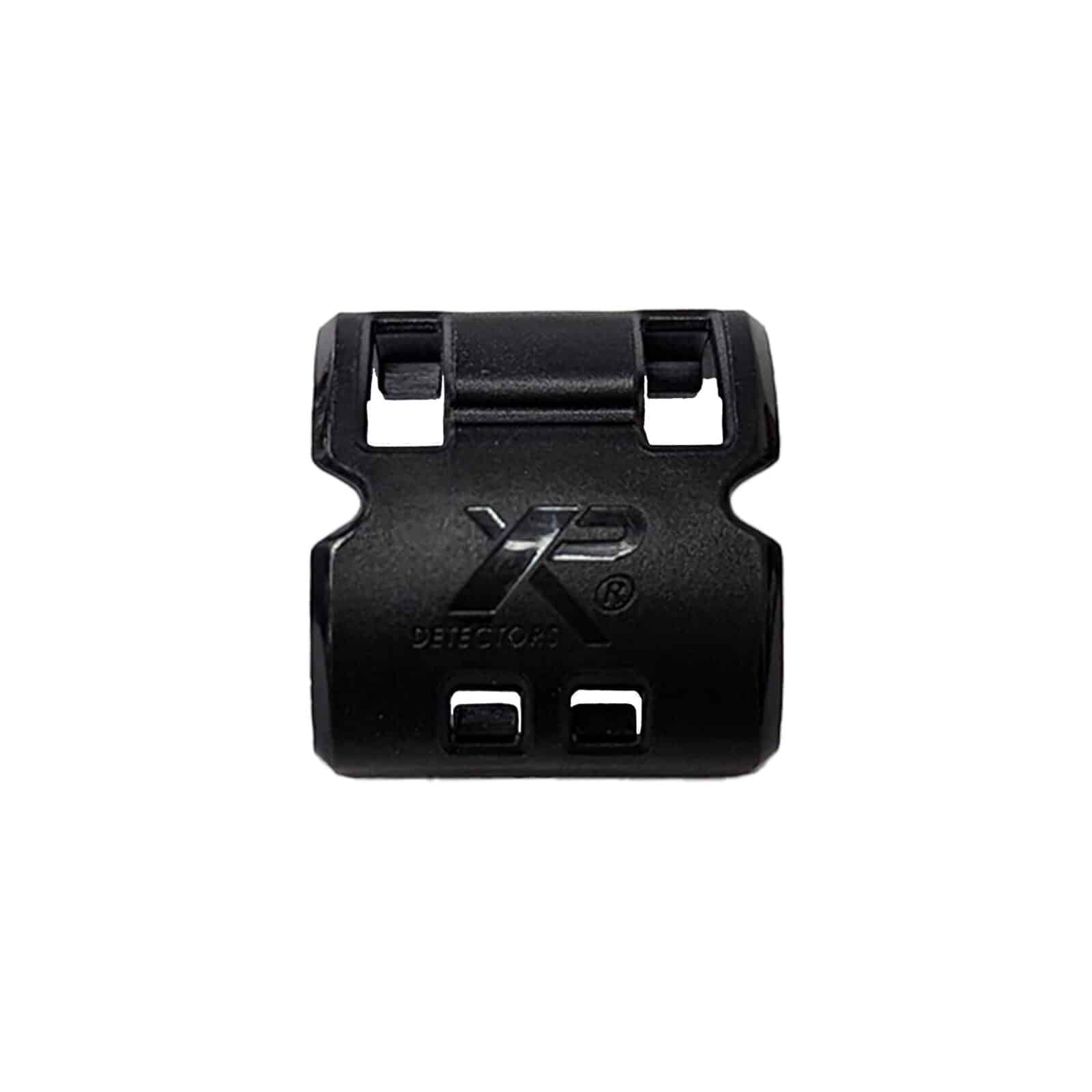
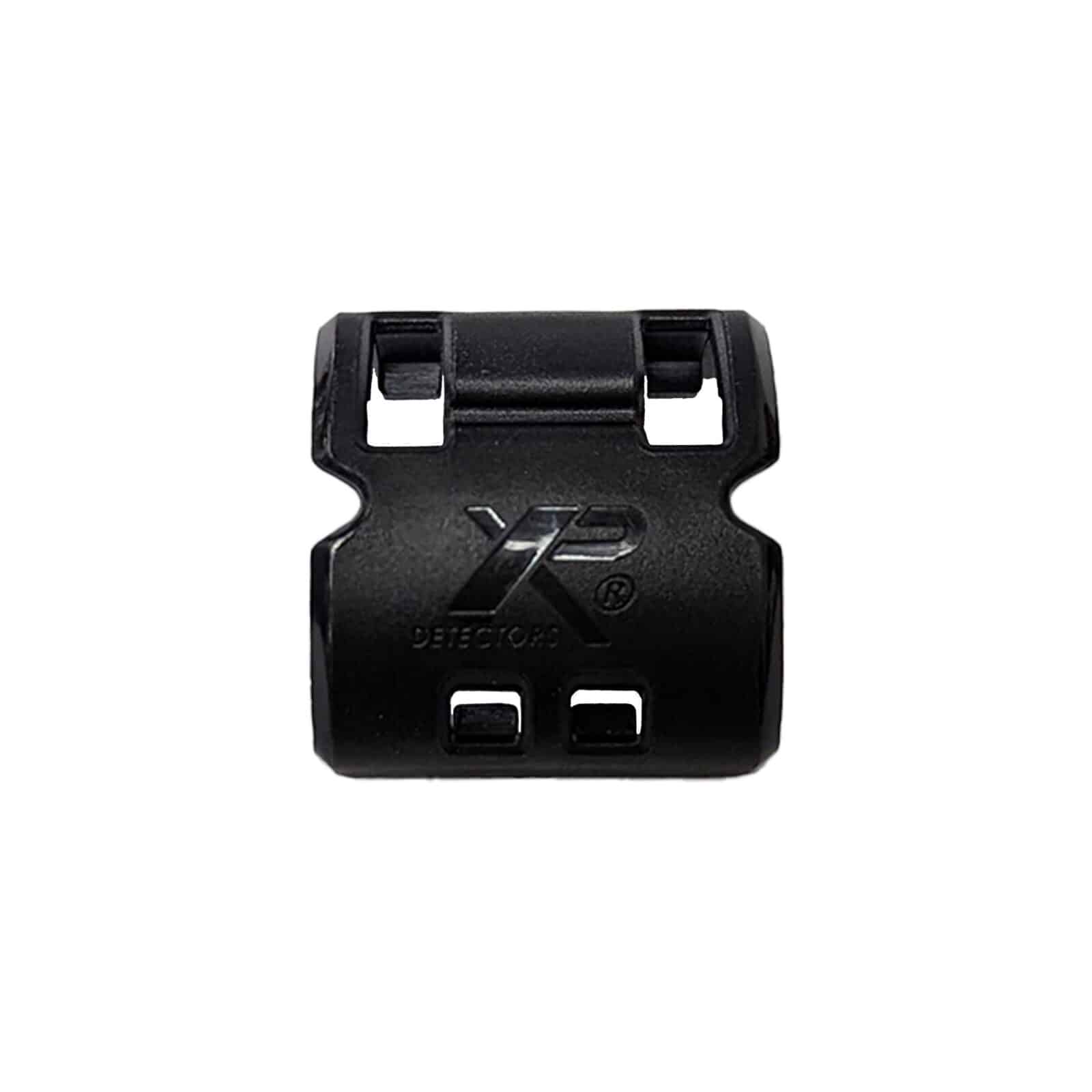
DEUS II Antenna Clip for Deus II Remote Control
Status:
Open May 28, 2026 - 04:20 PM
1answer
Answer
May 28, 2026 - 04:20 PM
The antenna clip is located at the base of the antenna shaft on the top edge of the XP Deus II remote control. The antenna extends vertically from the remote housing, and the clip sits where the antenna enters the housing, securing it to the internal mount. To access the clip, examine the top of the remote where the antenna protrudes. The clip is visible as a small plastic component around the antenna base. Removing or replacing the clip requires no disassembly of the remote body.
View More Product Details
DEUS II Antenna Clip for Deus II Remote Control
The DEUS II Antenna Clip is a replacement component that secures the antenna on the XP Deus II remote control. Deus II operators working in brush, tight terrain, or humid conditions where the remote sees regular handling need a clip that holds the antenna firmly without loosening over time. This cli...
See More
View all DEUS II Antenna Clip for Deus II Remote Control Questions & Answers
 seriousdetecting.com