Browse expert answers, detector comparisons, and buying advice for beginners and experienced detectorists.
How do I install the 1-meter waterproof cap on the Deus II remote control?
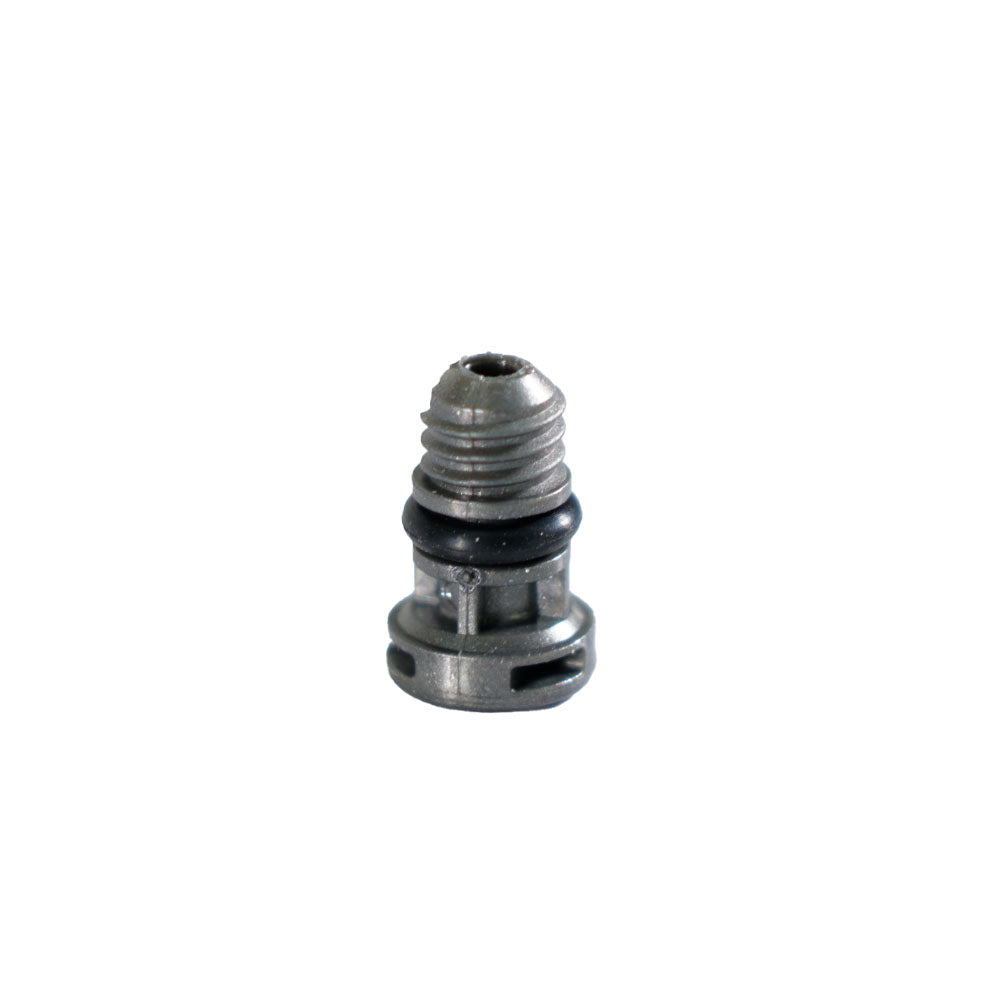
XP Deus II Remote Control 1 Meter Waterproof Cap (Gray)
Status:
Open May 28, 2026 - 04:58 PM
1answer
Answer
May 28, 2026 - 04:58 PM
To install the 1-meter waterproof cap, remove the existing plug from the remote control's accessory port. Inspect the port and the new cap to ensure both are clean and free of sand or debris, which can compromise the seal. Install the new cap into the port by hand, securing it firmly to create a waterproof seal. After installation, check that the cap sits flush against the remote housing with no gaps. The sealed membrane design ensures proper pressure balancing once installed. Before your first water hunt, test the seal by submerging the remote in a shallow container of water for a few minutes and inspecting for bubbles or moisture inside the housing.
View More Product Details
XP Deus II Remote Control 1 Meter Waterproof Cap (Gray)
The XP Deus II 1-meter waterproof cap is a sealed plug designed for the remote control when hunting on land or in shallow water up to 1 meter deep. Deus II owners working wet sand, creek banks, or light surf need this cap to protect the remote's internal electronics from water ingress while main...
See More
View all XP Deus II Remote Control 1 Meter Waterproof Cap (Gray) Questions & Answers
 seriousdetecting.com